
Channels, alpha, and pixel composition
Channels are not merely an abstract “colour array”. Each item shows its generated output first, immediately followed by the binding configuration that made it.
Extract the red channel
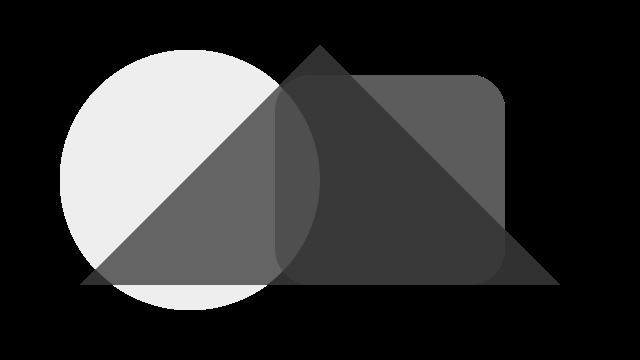
Section titled “Extract the red channel”The output is a one-band PNG that represents the source image’s red-channel intensity in grayscale.
Generated with govips v2.19.0 / libvips 8.17.3.
if err := image.ExtractBand(0, 1); err != nil { return err }
return exportPNG(image, "red-channel.png")
await sharp('input.svg').extractChannel('red').png().toFile('red-channel.png');image = pyvips.Image.new_from_file("input.svg")
image.extract_band(0).write_to_file("red-channel.png")vips extract_band input.svg red-channel.png 0 --n 1Extract the alpha channel
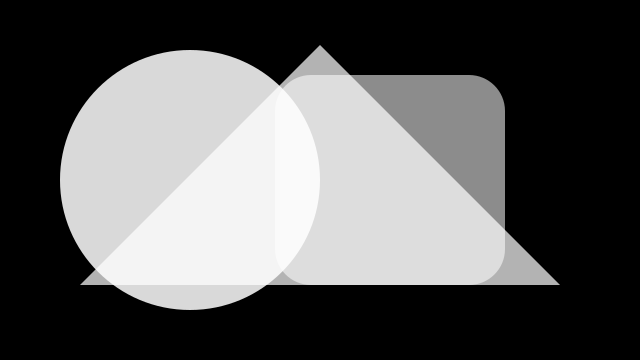
Section titled “Extract the alpha channel”Alpha is exported as a one-band PNG so that the mask itself can be inspected instead of treating it as RGB.
Generated with govips v2.19.0 / libvips 8.17.3.
if err := image.ExtractBand(3, 1); err != nil { return err }
return exportPNG(image, "alpha-channel.png")
await sharp('input.svg').extractChannel('alpha').png().toFile('alpha-channel.png');image = pyvips.Image.new_from_file("input.svg")
image.extract_band(3).write_to_file("alpha-channel.png")vips extract_band input.svg alpha-channel.png 3 --n 1Rebuild RGBA
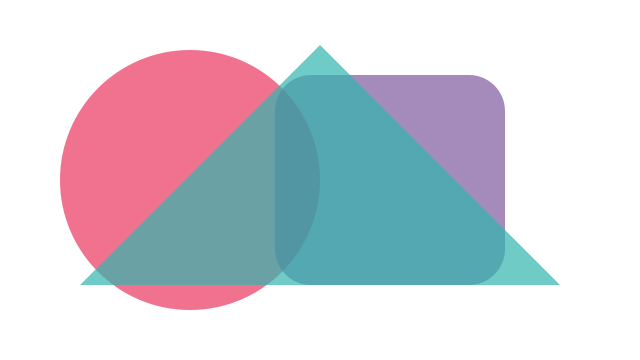
Section titled “Rebuild RGBA”The govips code explicitly splits bands and calls BandJoin. sharp’s ensureAlpha() guarantees an alpha-bearing output, but it is not a same-named per-band composition API. The semantics should not be treated as fully equivalent.
Generated with govips v2.19.0 / libvips 8.17.3.
bands, err := image.BandSplit()
if err != nil { return err }
defer closeAll(bands)
if err := bands[0].BandJoin(bands[1:]...); err != nil { return err }
return exportPNG(bands[0], "rebuilt-rgba.png")
await sharp('input.svg').ensureAlpha().png().toFile('rebuilt-rgba.png');image = pyvips.Image.new_from_file("input.svg")
image.write_to_file("rebuilt-rgba.png")vips copy input.svg rebuilt-rgba.pngFlatten transparency
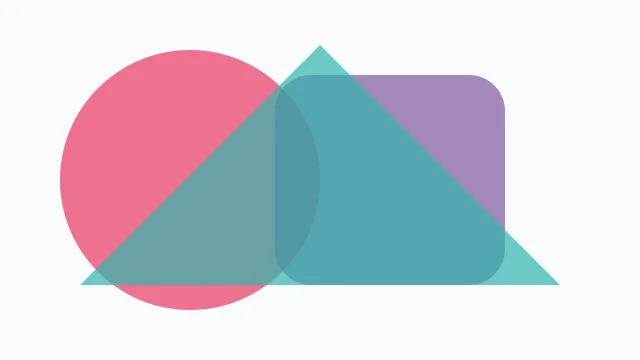
Section titled “Flatten transparency”The transparent image is flattened against #f8fafc before WebP export. Choose a background explicitly before exporting to a format without alpha.
Generated with govips v2.19.0 / libvips 8.17.3.
if err := image.Flatten(&vips.Color{R: 248, G: 250, B: 252}); err != nil { return err }
return exportWebp(image, "flattened.webp")
await sharp('input.svg').flatten({ background: '#f8fafc' }).webp({ quality: 82 }).toFile('flattened.webp');image = pyvips.Image.new_from_file("input.svg")
image.flatten(background=[248, 250, 252]).write_to_file("flattened.webp", Q=82)vips flatten input.svg 'flattened.webp[Q=82]' --background 248,250,252Binding boundaries
Section titled “Binding boundaries”sharp also exposes high-level threshold(), boolean(), dilate(), and erode() methods. govips currently has no same-named public wrappers, so this page does not present them as cross-binding equivalents.